

This guide teaches you key technologies and step-by-step methods for creating website themes, offering tips, common mistakes, and expert insights to help you build standout custom designs.
Building a robust, visually appealing website starts with an engaging theme that reflects your brand’s personality and delivers a seamless user experience. In a digital landscape dominated by rapid innovation and ever-shifting user expectations, understanding how to make a website theme from scratch is a priceless skill for designers, developers, entrepreneurs, and anyone passionate about web presence. A custom theme empowers you to break free from generic templates, take control over every design element, and ensure fast-loading, mobile-friendly pages that stand out in search results. Whether you want to launch an online business, refresh an existing blog, or wow clients with bespoke web solutions, mastering theme creation lets you unlock the full potential of web technologies like HTML, CSS, JavaScript, and CMS integrations. This guide provides actionable insights and expert strategies, preparing you to develop and implement website themes that are functional, flexible, and ready to scale with your ambitions.
This comprehensive guide breaks down the exact process of building a custom theme. You will learn the core technologies, explore step-by-step development frameworks, avoid common coding pitfalls, and discover expert tips to launch a fast, responsive, and stunning website design.
Understanding How to Make a Website Theme
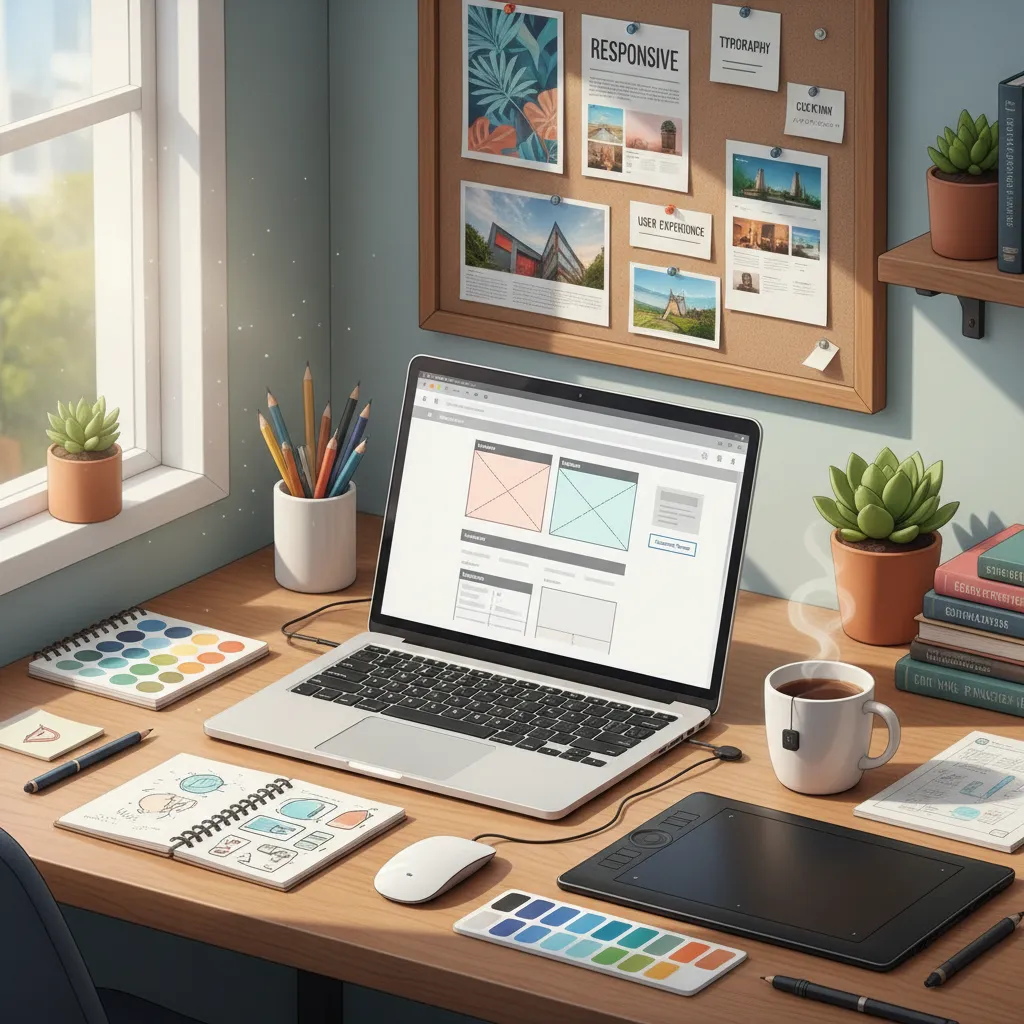
Creating a custom design requires a solid grasp of fundamental web technologies. Before writing your first line of code, you must understand the architecture behind modern web templates. A theme is essentially a collection of files—HTML, CSS, JavaScript, and occasionally PHP—that work together to dictate the graphical interface of a site.
If you use a Content Management System (CMS), the theme acts as the visual skin over the core software. Mastering this process elevates your web design fundamentals to a professional level.
Why Build Your Own Custom Theme?
Relying on pre-built templates often leads to bloated code, slow loading times, and a generic brand appearance. When you build your own layout, you ensure the site only loads the scripts and styles it actually needs. This improves site speed, enhances search engine rankings, and provides a tailored user experience.
Essential Tools and Technologies
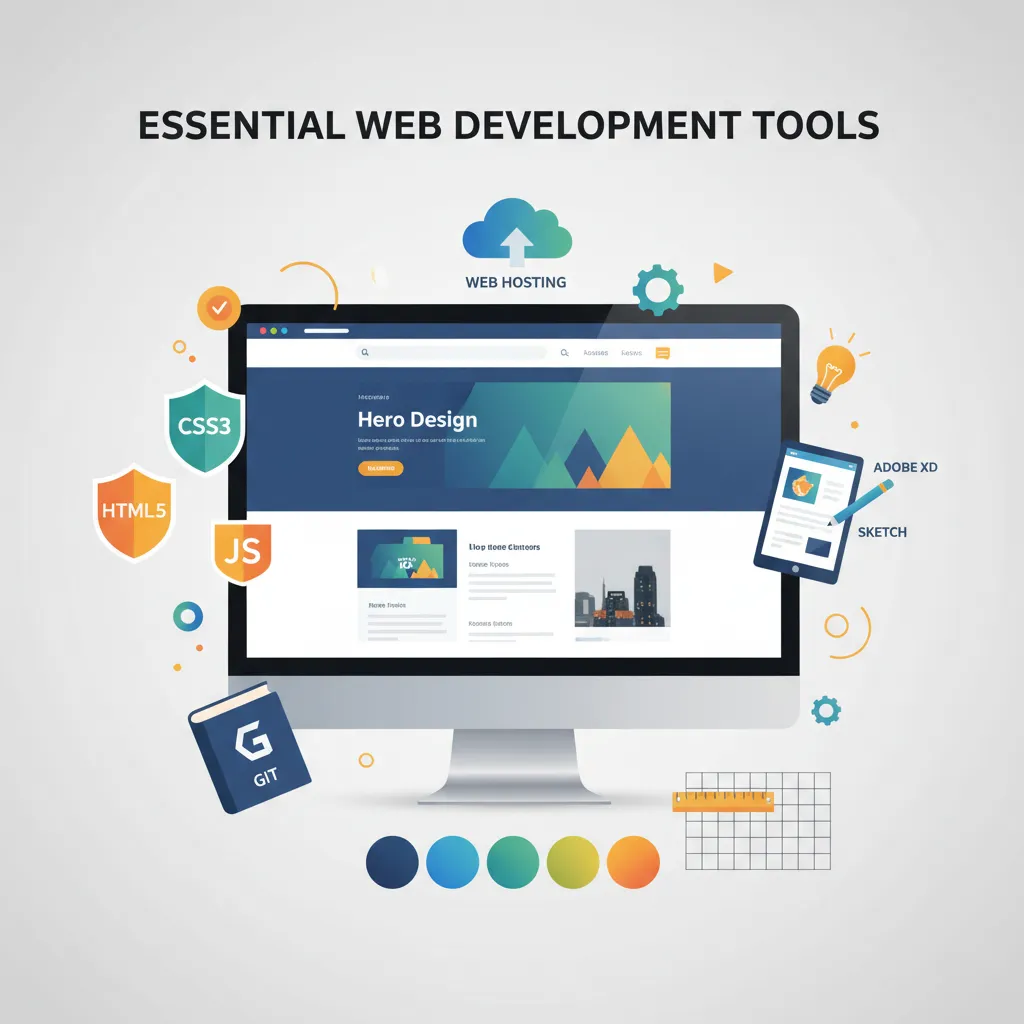
To start your journey, you need a reliable set of tools. You do not need expensive software; most professional developers use free, open-source editors and local server environments.
- Code Editor: Visual Studio Code (VS Code) or Sublime Text.
- Local Server: XAMPP or LocalWP for dynamic CMS testing.
- Version Control: Git, to track your code changes.
- Browser Developer Tools: Chrome DevTools or Firefox Developer Edition.
Comparison: CSS Frameworks vs. Custom CSS
When styling your layout, you can either write custom CSS or use a framework. Here is a breakdown of your options:
|
Approach |
Pros |
Cons |
Best For |
|---|---|---|---|
|
Custom CSS |
Complete control, lightweight, no unused code. |
Takes longer to write, requires advanced CSS knowledge. |
Highly customized, unique designs. |
|
Tailwind CSS |
Rapid styling, utility-first approach, easily scalable. |
Steep learning curve, cluttered HTML files. |
Modern applications and rapid prototyping. |
|
Bootstrap |
Pre-built components, excellent documentation. |
Can look generic, heavier file sizes if unoptimized. |
Admin dashboards and quick launches. |
Mini-Conclusion: Choosing the right styling method depends entirely on your project timeline and design goals. For absolute beginners, writing custom CSS helps solidify foundational skills.
Step-by-Step: How to Make a Website Theme
Follow these actionable steps to turn a blank canvas into a fully functional web design.
Step 1: Planning and Wireframing
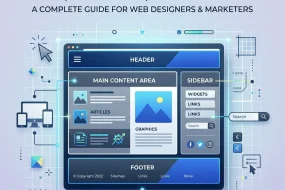
Never start coding without a plan. Sketch your layout using tools like Figma or Pen and Paper. Define your color palette, typography, and structural hierarchy. Decide where the header, main content, sidebar, and footer will sit. This blueprint prevents structural errors later in the development phase.
Step 2: Setting Up the Local Environment
Create a new folder on your computer for your project files. If you are building a static site, you only need an index.html file, a style.css file, and a script.js file. If you are developing for a platform like WordPress, install a local server to test PHP functions safely without affecting a live site.
Step 3: Coding the HTML Structure
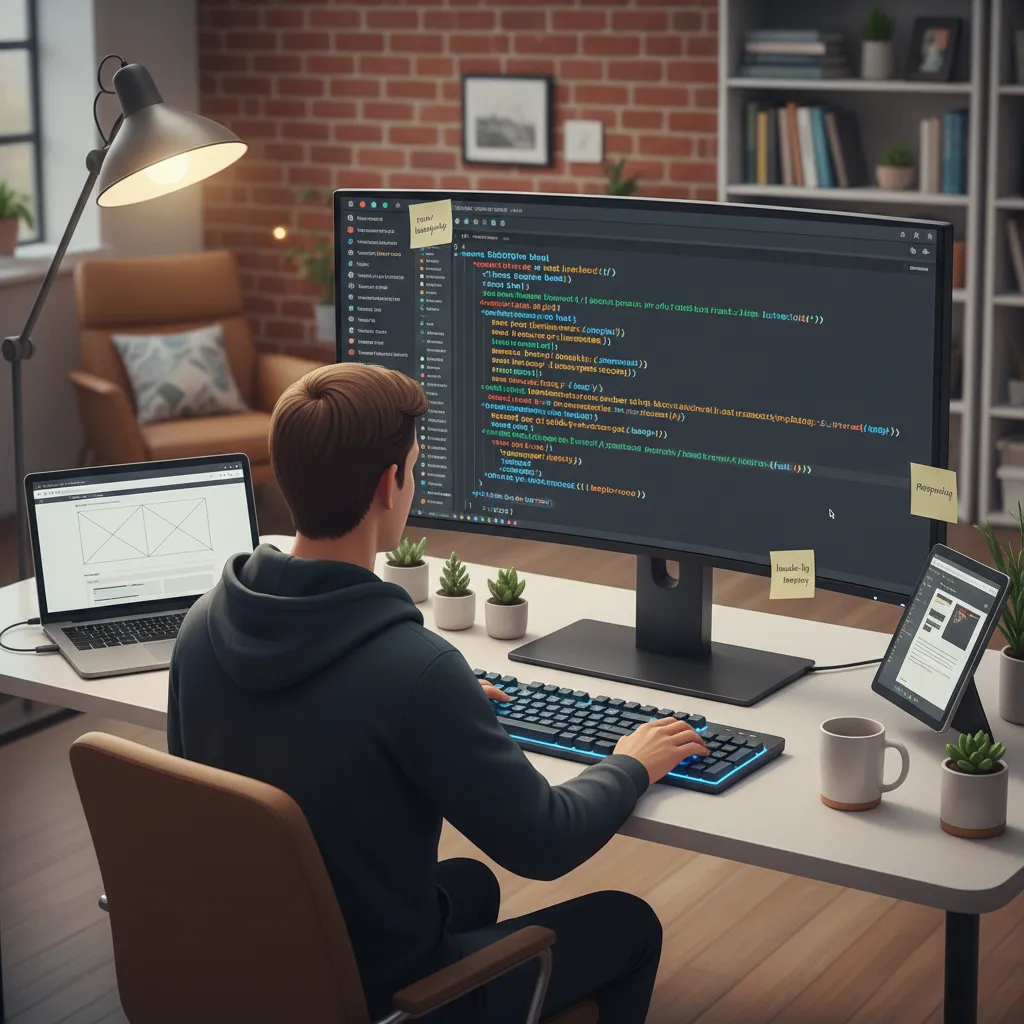
Start by writing semantic HTML. Semantic tags like <header>, <nav>, <main>, <article>, and <footer> help search engines understand your content structure. This improves accessibility and SEO simultaneously. Ensure your markup remains clean and logically organized.
Step 4: Styling with CSS
Once your HTML is ready, link your CSS file. Begin with a CSS reset to remove default browser margins and paddings. Next, establish your layout using CSS grid layouts or Flexbox. Focus on mobile-first design, writing media queries to ensure your layout adapts smoothly to tablets and desktop screens.
Step 5: Adding JavaScript for Interactivity
Enhance user experience with JavaScript. Use it to build mobile navigation toggles, smooth scrolling effects, or modal pop-ups. Keep your scripts lightweight and load them at the bottom of your HTML document to prevent render-blocking issues.
Step 6: Packaging for Your CMS
If you want to use your layout on a CMS, you must convert your static files into dynamic templates. This involves splitting your HTML into modular files (like header.php and footer.php) and adding CMS-specific functions to pull data dynamically from the database. Refer to the official WordPress Developer Resources or your chosen platform’s documentation for specific tag requirements.
Common Mistakes to Avoid
Even experienced developers make errors when creating new layouts. Watch out for these frequent missteps:
- Ignoring Mobile Responsiveness: Always design for smaller screens first. Trying to force a desktop layout onto a mobile screen rarely works well.
- Bloated Code: Avoid adding unnecessary libraries or plugins. Only include the scripts you absolutely need.
- Poor Contrast and Typography: Ensure your text is highly readable. Low contrast harms accessibility and frustrates users.
- Forgetting Cross-Browser Testing: A layout might look perfect on Chrome but break entirely on Safari. Test your work across multiple browsers.
Pro Tips and Expert Insights
To elevate your project from amateur to professional, implement these advanced strategies:
- Use CSS Variables: Define your brand colors and fonts as CSS variables at the root level. This makes global design changes effortless.
- Optimize Core Web Vitals: Minify your CSS and JavaScript files before launch. Fast-loading pages rank higher in search results.
- Embrace Accessibility (a11y): Use ARIA labels, ensure keyboard navigability, and maintain logical heading structures. Designing for all users is a baseline requirement, not an optional feature.
To truly master this craft, regularly audit open-source projects on GitHub. Reading other developers’ code provides invaluable insights into efficient structuring and logic.
Conclusion
Mastering how to make a website theme opens up endless possibilities for digital creativity and performance optimization. By planning carefully, writing clean semantic code, and prioritizing responsive design, you can build stunning, fast-loading layouts from scratch. Start experimenting with your own local project today and bring your unique web vision to life.
Frequently Asked Questions (FAQs)
1. Do I need to know PHP to build a custom theme?
If you are building a static HTML site, you do not need PHP. However, if you are creating a layout for a CMS like WordPress, understanding basic PHP is essential for pulling dynamic content from the database.
2. How long does it take to learn how to make a website theme?
The timeline varies based on your existing skills. Complete beginners might take a few months to grasp HTML, CSS, and basic JavaScript, while experienced front-end developers can adapt to a specific CMS framework in a matter of weeks.
3. What is the difference between a theme and a template?
A theme controls the overall design, layout, and functionality across the entire website. A template typically refers to the specific layout of a single page or post type within that broader design.
4. Can I sell the themes I create?
Yes. Many developers build profitable businesses by creating high-quality, niche-specific layouts and selling them on marketplaces like ThemeForest or directly through their own platforms.
5. How do I make my custom layout mobile-friendly?
Use responsive web design principles. Utilize flexible grid systems, fluid images, and CSS media queries to ensure your design adapts seamlessly to various screen sizes.
6. Should I use a builder plugin or code from scratch?
Coding from scratch provides better performance, cleaner code, and total control. Builder plugins offer convenience and speed but often result in heavier page loads due to excess code.
7. What is a CSS reset and why is it necessary?
Different web browsers apply their own default styling to HTML elements. A CSS reset removes these default margins, paddings, and borders, giving you a clean slate and ensuring consistency across all browsers.
8. How do I optimize my custom design for SEO?
Use semantic HTML tags, ensure fast loading speeds by minifying files, implement a mobile-first responsive design, and structure your headings logically. Clean code inherently supports better search engine crawling.
9. Can I convert a Figma design into a functional website?
Absolutely. You can manually translate a Figma wireframe into HTML and CSS, or use various plugins and export tools to assist in generating the foundational front-end code.
10. How do I update my custom code safely without breaking the live site?
Always use a staging environment or a local server to test your changes. Additionally, use version control like Git to track modifications, allowing you to easily revert to a previous version if something goes wrong.

I am a design enthusiast and theme developer, dedicated to creating beautiful, user-friendly website themes. Through ThemeOrbis.com, I shares tips, insights, and creative resources to help startups, bloggers, and businesses build stand-out websites.









No Comments