

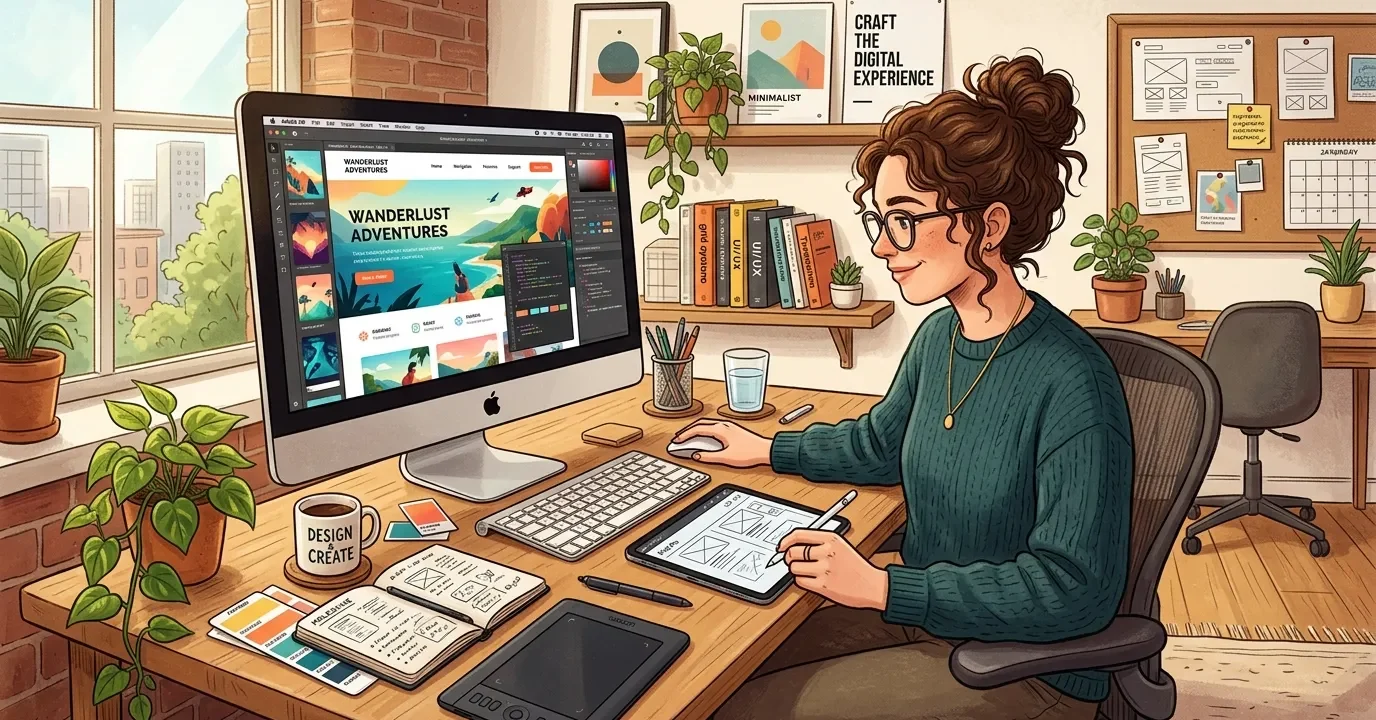
This guide explores the core elements of a web designer description, detailing daily tasks, necessary technical skills, and proven career advancement strategies. You will learn how to distinguish between design roles, avoid common industry mistakes, and apply expert insights to your workflow.
A Web Designer is a creative professional responsible for designing the visual layout and user experience of websites. Their main goal is to make websites visually appealing, user-friendly, and aligned with a brand’s identity. A Web Designer Description typically includes tasks such as creating website layouts, selecting color schemes, designing graphics, and ensuring smooth navigation for users. They often use tools like Adobe XD, Figma, or Photoshop along with basic knowledge of HTML and CSS to bring their designs to life.
Web designers work closely with developers and clients to understand requirements and transform ideas into functional digital experiences. A strong focus on aesthetics, usability, and responsiveness across devices is essential in this role. Overall, a web designer plays a key role in shaping how users interact with a website, making it both attractive and effective.
Decoding the Web Designer Description
A comprehensive web designer description outlines the professional responsible for the visual layout, user interface, and overall aesthetic of websites. These experts blend creative vision with technical execution to produce digital environments that engage users and drive business goals. Understanding this role requires a deep dive into the daily operations, technical requirements, and strategic thinking that define the profession.
When you analyze a standard web designer description, you quickly see that the role goes far beyond simply making things look attractive. Designers map out user journeys, optimize layouts for various devices, and ensure that every visual element serves a functional purpose. They collaborate closely with developers, marketing teams, and project managers to bring a cohesive brand identity to life on the screen.
Core Responsibilities
To fully grasp the scope of a web designer description, we must examine the specific tasks these professionals handle every day:
- Creating wireframes, storyboards, and user flows to communicate design ideas.
- Designing visual imagery for websites and ensuring brand consistency.
- Optimizing sites for mobile responsiveness and fast loading speeds.
- Conducting user research and testing to refine the digital experience.
- Collaborating with back-end developers to implement visual elements.
The Intersection of Creativity and Logic

Every accurate web designer description highlights the dual nature of the job. You must possess the artistic flair to select the right color palettes, typography, and imagery. Simultaneously, you must apply logical problem-solving skills to structure information intuitively. This balance ensures that websites are both beautiful and highly functional.
Mini-Conclusion: Mastering the responsibilities outlined in a web designer description requires a commitment to both creative exploration and technical precision, setting the foundation for a successful digital career.
Essential Skills for Modern Web Designers
A robust web designer description always includes a detailed list of required competencies. The industry evolves rapidly, meaning professionals must continuously update their skill sets to remain competitive.
Visual Design and Software Proficiency
Visual design forms the backbone of any web designer description. You must master industry-standard tools to translate concepts into digital reality. Proficiency in software like Adobe Creative Cloud, Figma, and Sketch is non-negotiable. Furthermore, a strong grasp of layout principles, color theory, and typography dictates how users interact with the content.
Technical and Coding Foundations
While designers primarily focus on aesthetics, a modern web designer description increasingly demands technical knowledge. Understanding HTML, CSS, and basic JavaScript empowers designers to create realistic prototypes and communicate effectively with developers. Exploring front-end development basics significantly enhances your value in the job market.
User Experience and Interface Design
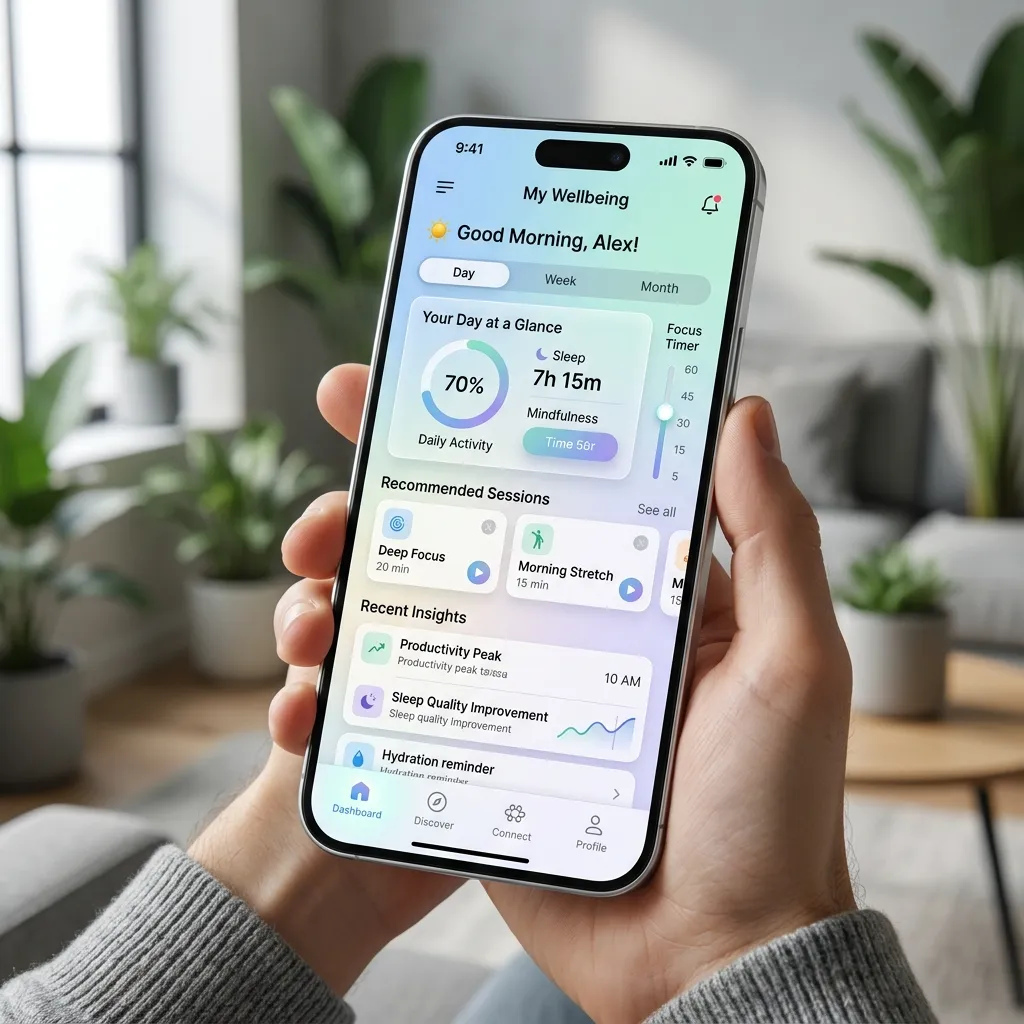
The best professionals seamlessly integrate UI/UX design principles into their workflow. A thorough web designer description emphasizes the importance of user-centric design. You must anticipate user behavior, design intuitive navigation systems, and ensure accessibility compliance across all platforms.
Mini-Conclusion: By cultivating a blend of visual expertise, coding knowledge, and user-centric philosophies, you fulfill the highest standards set by any modern web designer description.
Web Design vs. Web Development
A common point of confusion arises when comparing a web designer description to a web developer role. While the two disciplines overlap, they focus on different aspects of website creation.
Structured Comparison
|
Feature |
Web Designer |
Web Developer |
|---|---|---|
|
Primary Focus |
Aesthetics, layout, and user experience. |
Functionality, database management, and server architecture. |
|
Key Tools |
Figma, Adobe XD, Sketch, Photoshop. |
IDEs, Git, Node.js, PHP, Python. |
|
Core Languages |
HTML, CSS, basic JavaScript. |
JavaScript, Ruby, Java, SQL. |
|
Main Objective |
Engage users visually and intuitively. |
Ensure the site runs smoothly and securely. |
This clear distinction helps professionals align their career goals with the appropriate web designer description, ensuring they pursue the path that best matches their strengths.
Common Mistakes to Avoid in Web Design
Even seasoned professionals make errors that compromise the integrity of their work. A thorough web designer description includes awareness of these pitfalls and the strategies to avoid them.
- Ignoring Mobile Responsiveness: Failing to design for mobile devices alienates a massive segment of your audience and penalizes search rankings.
- Overcomplicating Navigation: Complex menus confuse users. Keep navigation clear, logical, and accessible.
- Neglecting Typography: Using too many fonts or poor contrast renders content unreadable. Stick to two or three complementary typefaces.
- Disregarding Load Times: Heavy images and excessive animations slow down sites. Always compress assets to maintain optimal performance.
- Designing Without Content: Creating layouts before having the actual copy leads to disjointed designs. Always adopt a content-first approach.
Mini-Conclusion: Avoiding these fundamental errors ensures your work aligns with the highest quality standards expected in a professional web designer description.
Expert Insights and Pro Tips
Elevating your craft requires more than just following the basic rules of a web designer description. Implement these expert strategies to stand out in the competitive digital landscape.
Embrace White Space
Ample white space (or negative space) gives your content room to breathe. It directs the user’s attention to key elements and creates a sophisticated, uncluttered look.
Master Accessible Design
A truly comprehensive web designer description mandates accessibility. Ensure your designs meet global accessibility standards by using high-contrast colors, providing alt text for images, and structuring semantic HTML. This practice guarantees your site is usable for people with disabilities.
Iterate Based on Data
Do not rely solely on intuition. Use analytics tools and heatmaps to observe how users interact with your designs. Let data drive your decisions, allowing you to refine layouts and boost conversion rates continuously.
Mini-Conclusion: By applying these advanced insights, you transcend the basic web designer description and position yourself as a strategic digital innovator.
Building a Career Path

Understanding the web designer description is only the first step; navigating the career path requires strategic planning and continuous learning.
Creating a Standout Portfolio
Your portfolio serves as the ultimate proof of your capabilities. Curate a selection of your best projects, demonstrating your problem-solving skills, design process, and final outcomes. Including case studies provides context, showing potential employers exactly how you fulfill the web designer description in real-world scenarios.
Continuous Education
The digital design landscape shifts constantly. Dedicate time to mastering new graphic design tools and studying emerging design trends. Participate in online communities, attend industry conferences, and seek mentorship to keep your skills sharp and relevant.
Understanding a comprehensive web designer description empowers you to build a highly rewarding career. Apply these technical insights, refine your creative skills, and stay consistently updated on industry trends. Ready to elevate your digital portfolio? Start implementing these proven strategies today and transform your passion into a thriving professional journey.
FAQs
What exactly does a web designer do?
A web designer creates the visual elements, layout, and user interface of a website. They focus on user experience, branding, and ensuring the site looks appealing and functions intuitively across all devices.
What skills are required for a web designer?
Essential skills include visual design, proficiency in tools like Figma and Adobe Creative Cloud, an understanding of HTML and CSS, and a strong grasp of user experience and user interface principles.
Do web designers need to know how to code?
While not strictly required, having basic coding skills in HTML, CSS, and JavaScript is highly beneficial. It allows designers to create realistic prototypes and communicate better with the development team.
What is the difference between UI and UX design?
UI (User Interface) design focuses on the specific visual elements users interact with, such as buttons and typography. UX (User Experience) design encompasses the overall journey, logic, and satisfaction a user experiences while navigating the site.
How do I start a career in web design?
Begin by learning the fundamental design principles and software tools. Build a strong portfolio of practice projects, learn basic front-end development, and stay updated on current industry trends.
What software do professional web designers use?
Industry professionals heavily rely on vector-based design tools like Figma, Sketch, and Adobe XD for creating wireframes and prototypes, alongside Adobe Photoshop and Illustrator for image manipulation.
How important is mobile responsiveness in web design?
It is absolutely critical. The majority of web traffic comes from mobile devices, so designing responsive layouts that adapt to any screen size ensures a positive user experience and maintains good search engine rankings.
What makes a good web design portfolio?
A strong portfolio highlights your best work, includes detailed case studies explaining your design process, and demonstrates your ability to solve complex visual and functional problems effectively.
Can I be a freelance web designer?
Yes, many web designers operate successfully as freelancers. Freelancing requires strong self-discipline, client communication skills, and the ability to manage projects independently from start to finish.
How does a web designer work with a web developer?
Designers hand off their visual mockups, prototypes, and design assets to developers. The developer then writes the back-end and front-end code to make those designs function perfectly on a live server.

I am a design enthusiast and theme developer, dedicated to creating beautiful, user-friendly website themes. Through ThemeOrbis.com, I shares tips, insights, and creative resources to help startups, bloggers, and businesses build stand-out websites.








No Comments